Resume keywords
Resume keywords by job and industry
Resume keywords are the skills, tools, qualifications and phrases a job posting uses to describe what the employer wants. Recruiters search for them, applicant tracking systems index them, and a human skimming your résumé looks for them before reading anything closely.
This page links to the keyword list for every role we have written a guide for, grouped by industry. Each list comes from reading real postings for that role. Below the directory you will find how to use keywords well, and how not to.
Updated 26 November 2026
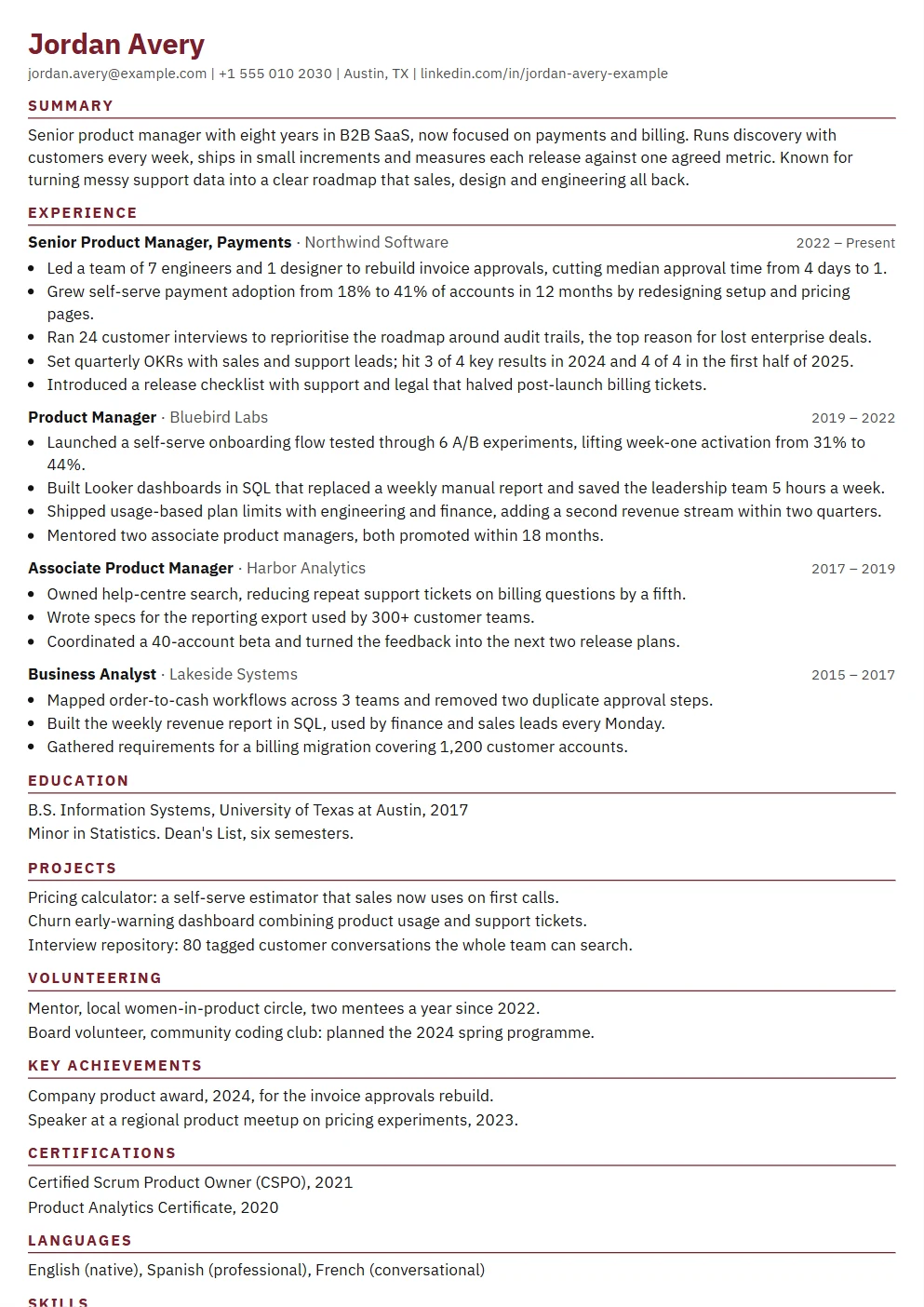
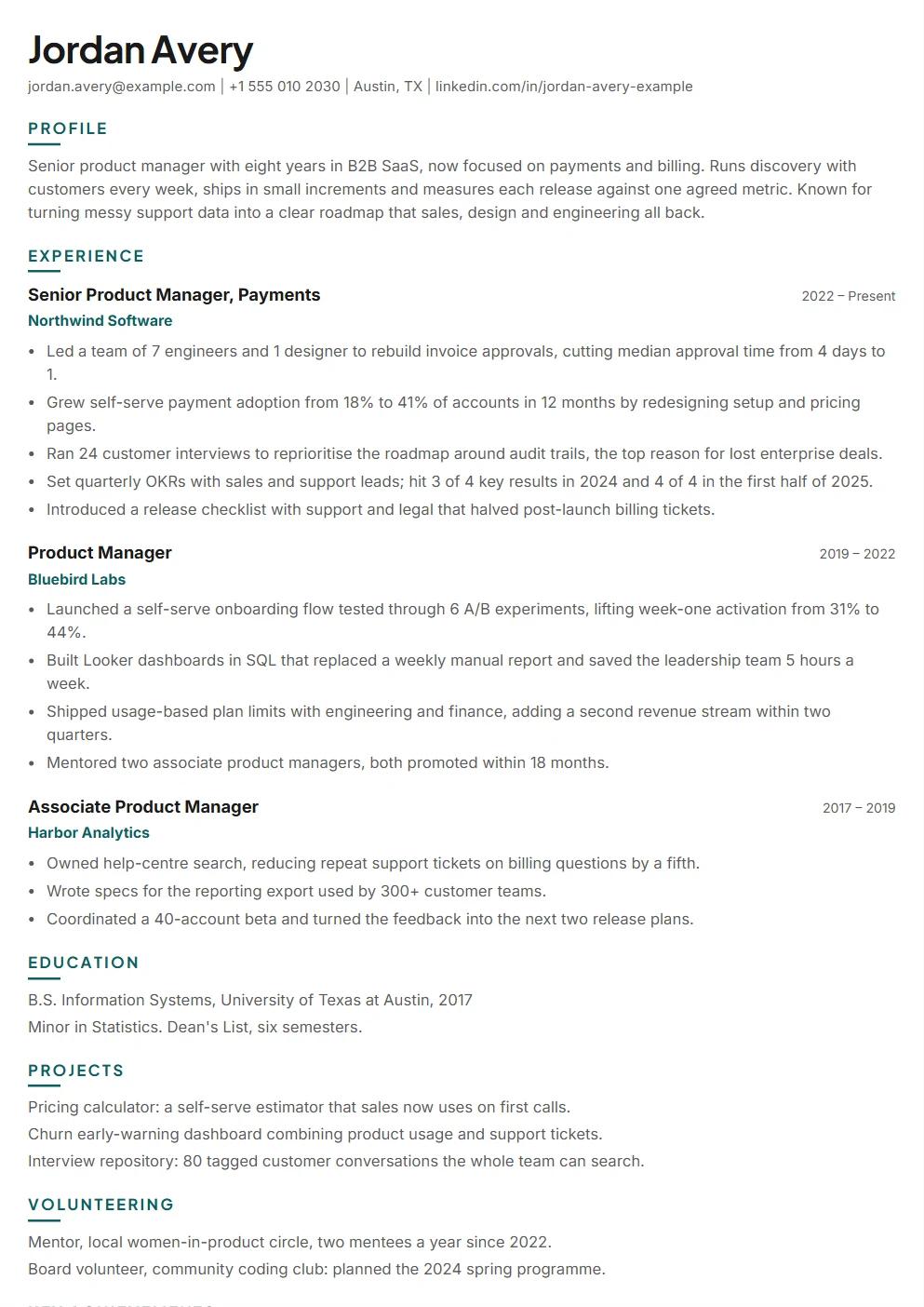
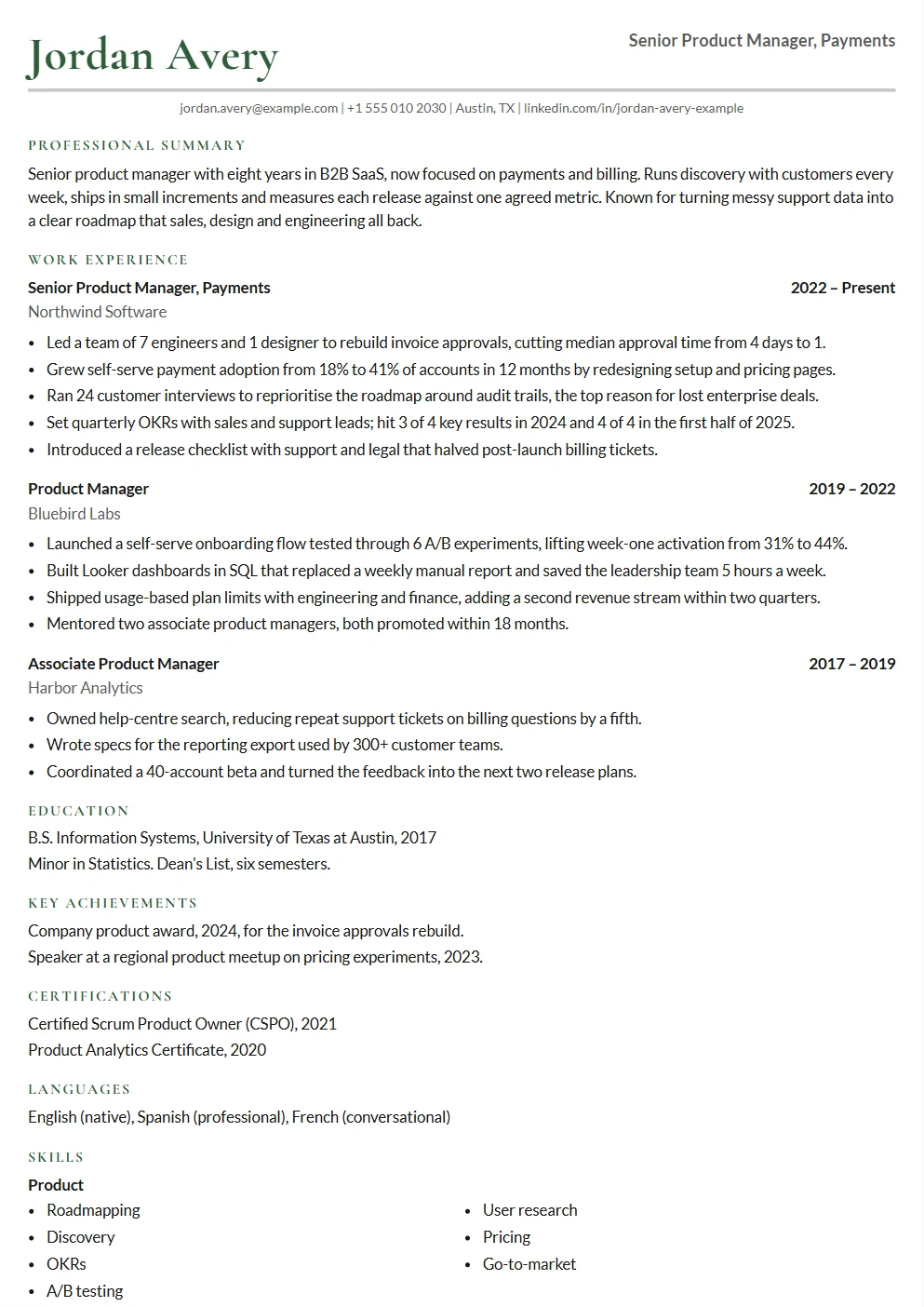
How to use this page
- Find your target role in the directory below and open its keyword list.
- Compare that list with two or three real postings you want to apply for. The posting always wins: if it uses a different term, use the posting's term.
- Mark which keywords your experience genuinely supports. Those are the ones to make visible.
- Run your résumé and one posting through the free résumé keyword checker to see which terms you already cover and which are missing.
- Work the supported keywords into your summary, skills and bullets, in context.
Using keywords honestly
Keywords help when they describe what you have actually done. They hurt when they don't. A résumé packed with terms the candidate can't back up may get past a quick filter, but it tends to fall apart in the first conversation, and recruiters notice.
A few rules keep keyword work on the right side of that line:
- Only include a keyword if you could talk about it for two minutes with a real example.
- Use the employer's exact wording for skills you have. If the posting says "stakeholder management" and your résumé says "worked with partners", use their phrase where it is accurate.
- Put keywords in context. "Built weekly reporting in SQL and Tableau for the sales team" carries more weight than a skills list with the same two words.
- Spell out acronyms once, such as "search engine optimisation (SEO)", because people and systems may search for either form.
- Don't hide keywords in white text or paste the job description into your résumé. Recruiters see it when they open the file.
- If a posting asks for something you don't have, leave it out. A cover letter is a better place to mention that you are learning it.
Where keywords belong on a résumé
There are three good places for keywords, and the strongest résumés use all three:
- The summary: two or three of the job's most important terms, where they genuinely describe you.
- The skills section: tools, technologies, methods and certifications, named the way the posting names them.
- Experience bullets: the same terms again, this time attached to what you did with them and what came of it. This is where a keyword becomes evidence.
For more on fitting a résumé to a specific posting, see how to tailor a résumé to a job description and the worked example.
Which keywords come up most often
Role lists tell you what to expect for a job title. For a wider view, our résumé keywords study counts how often skills, tools and requirements appear across a large set of public job postings, grouped by role family. It is useful for spotting which skills are common across a whole field, rather than in one company's posting.
How Weydr uses keywords
Weydr's Job Fit check compares your résumé with a job description and shows a match score, the keywords you already cover and the gaps. Tailoring then rewrites and reorders your bullets toward the job's language where your experience genuinely matches, and saves the result as a separate version for that job.
Weydr's AI is instructed never to invent employers, titles, dates, tools or numbers. It rewords and reorders what is already true in your résumé, so you can defend every line in an interview.
It never adds a keyword your résumé can't support, which is the same rule this page recommends. See the AI résumé builder or the AI résumé writer for how it works.
Keywords by role
Each link below goes to the keyword section of that role's résumé guide, which also has a sample summary, skills, before-and-after bullets, common gaps and mistakes. A few of the role's common keywords are shown as a preview.
Software and IT
- Backend Developer resume keywords
Java / Spring Boot, Go, Python, REST / gRPC
- Cloud Engineer resume keywords
AWS, Microsoft Azure, Google Cloud (GCP), Terraform
- Cybersecurity Analyst resume keywords
SIEM, Splunk / Microsoft Sentinel, Incident Response, Threat Detection
- Database Administrator resume keywords
SQL Server, Oracle, PostgreSQL / MySQL, Backup & Recovery
- DevOps Engineer resume keywords
CI/CD, Kubernetes, Docker, Terraform
- Embedded Systems Engineer resume keywords
Embedded C, C++, RTOS, ARM Cortex-M
- Frontend Developer resume keywords
React, TypeScript, Next.js, HTML / CSS
- Full Stack Developer resume keywords
React, Node.js, TypeScript, REST APIs
- Game Developer resume keywords
Unity, Unreal Engine, C++, C#
- IT Support Specialist resume keywords
Help Desk / Service Desk, Troubleshooting, Windows / macOS, Active Directory
- Mobile Developer resume keywords
Swift / SwiftUI, Kotlin / Jetpack Compose, React Native, Flutter
- Network Engineer resume keywords
Routing & Switching, BGP / OSPF, VLANs, Firewalls
- QA Engineer resume keywords
Test Automation, Selenium WebDriver, Playwright / Cypress, API Testing
- Site Reliability Engineer resume keywords
SLOs / SLIs, Error budgets, Incident response, On-call
- Software Engineer resume keywords
TypeScript / JavaScript, System Design, REST APIs, PostgreSQL
- Solutions Architect resume keywords
Solution Architecture, Cloud Architecture (AWS / Azure), System Integration, API Design
- Systems Administrator resume keywords
Windows Server, Linux (RHEL / Ubuntu), Active Directory, Microsoft 365 / Entra ID
- Technical Writer resume keywords
Technical Documentation, API Documentation, Docs-as-Code, Markdown / Git
- Web Developer resume keywords
HTML5 / CSS3, JavaScript, Responsive Design, WordPress
Data and AI
- Business Analyst resume keywords
Requirements Gathering, Process Mapping, Gap Analysis, Stakeholder Management
- Data Analyst resume keywords
SQL, Python (pandas, NumPy), Tableau / Power BI, BigQuery / Snowflake / Redshift
- Data Architect resume keywords
Data modeling, Dimensional modeling, Data warehouse, Data lakehouse
- Data Engineer resume keywords
SQL, Python, Apache Spark, Apache Airflow
- Data Scientist resume keywords
Python, SQL, Machine Learning, Statistical Modeling
- Machine Learning Engineer resume keywords
Python, PyTorch, TensorFlow, MLOps
Product and design
- Architect resume keywords
Revit, BIM, Schematic design, Design development
- Graphic Designer resume keywords
Adobe Creative Cloud, Illustrator, InDesign, Photoshop
- Interior Designer resume keywords
Space planning, AutoCAD, Revit, FF&E specification
- Photographer resume keywords
Adobe Lightroom, Photoshop, Studio lighting, Product photography
- Product Designer resume keywords
Product Design, Figma, Interaction Design, Visual Design
- Product Manager resume keywords
Product Strategy, Roadmap, OKRs, Agile / Scrum
- Product Owner resume keywords
Product backlog, User stories, Acceptance criteria, Scrum
- Program Manager resume keywords
Program Management, Cross-Functional Leadership, Program Governance, Dependency Management
- Project Manager resume keywords
Project Planning, Risk Management, Stakeholder Communication, Budget Management
- Scrum Master resume keywords
Scrum, Agile Coaching, Sprint Planning, Retrospectives
- UI Designer resume keywords
Figma, Design systems, Visual design, Typography
- UX Designer resume keywords
User Research, Wireframing, Prototyping, Figma
- Video Editor resume keywords
Adobe Premiere Pro, DaVinci Resolve, After Effects, Color grading
Marketing and content
- Brand Manager resume keywords
Brand Strategy, Brand Positioning, P&L Management, Consumer Insights
- Content Writer resume keywords
Content Writing, SEO Writing, Keyword Research, WordPress
- Copywriter resume keywords
Conversion copywriting, Brand voice, Ad copy, Landing pages
- Digital Marketing Specialist resume keywords
Google Ads, Meta Ads, SEO / SEM, Google Analytics 4
- Marketing Coordinator resume keywords
Campaign Coordination, Email Marketing, Content Calendar, Marketing Automation
- Marketing Manager resume keywords
Go-to-Market Strategy, GA4, SEO / SEM, Marketing Automation
- Public Relations Specialist resume keywords
Media Relations, Press Releases, Media Pitching, AP Style
- SEO Specialist resume keywords
Technical SEO, Keyword Research, On-Page Optimization, Site Audits
- Social Media Manager resume keywords
Social Media Strategy, Content Creation, Community Management, Paid Social
Sales and customer success
- Account Executive resume keywords
Full-Cycle Sales, Quota Attainment, New Business, Discovery and Demos
- Account Manager resume keywords
Account Management, Book of Business, Client Retention, Renewals
- Business Development Manager resume keywords
Business Development, Strategic Partnerships, New Market Entry, Lead Generation
- Customer Service Representative resume keywords
Customer Service, CSAT, First Contact Resolution, Average Handle Time
- Customer Success Manager resume keywords
Customer Retention, Churn Reduction, Renewals, Net Revenue Retention (NRR)
- Insurance Agent resume keywords
Property and Casualty License, Life and Health License, New Business Production, Policy Renewals
- Real Estate Agent resume keywords
Real Estate License, Buyer Representation, Listing Agent, Lead Generation
- Retail Sales Associate resume keywords
Customer Service, Point of Sale (POS), Cash Handling, Visual Merchandising
- Sales Development Representative resume keywords
Outbound Prospecting, Cold Calling, Cold Emailing, Lead Qualification (BANT)
- Sales Manager resume keywords
Team Quota Attainment, Sales Forecasting, Pipeline Management, Coaching and Development
- Sales Representative resume keywords
Quota Attainment, Pipeline Management, Prospecting, Lead Qualification
Finance, operations and consulting
- Accountant resume keywords
GAAP, Month-End Close, Account Reconciliations, General Ledger
- Auditor resume keywords
External Audit / Internal Audit, SOX 404 Compliance, Internal Controls, Risk Assessment
- Bookkeeper resume keywords
Bookkeeping, QuickBooks Online, Bank Reconciliation, Accounts Payable
- Financial Advisor resume keywords
Series 7 / Series 66, CFP, Financial Planning, Assets Under Management (AUM)
- Financial Analyst resume keywords
Financial Modeling, Forecasting, Budgeting, Variance Analysis
- Investment Banking Analyst resume keywords
Financial Modeling, Discounted Cash Flow (DCF), LBO Modeling, Mergers and Acquisitions (M&A)
- Loan Officer resume keywords
NMLS Licensed, Loan Origination, Mortgage Lending, FHA / VA / USDA
- Logistics Coordinator resume keywords
Shipment Scheduling, Carrier Management, Transportation Management System (TMS), LTL / FTL
- Management Consultant resume keywords
Problem Structuring, Hypothesis-Driven Analysis, Financial Modeling, Market Sizing
- Operations Manager resume keywords
Process Improvement, KPI Management, Lean / Six Sigma, Budget Management
- Payroll Specialist resume keywords
Payroll Processing, Multi-State Payroll, Payroll Tax Filings (941 / W-2), Garnishments
- Procurement Specialist resume keywords
Strategic Sourcing, RFx (RFI / RFQ / RFP), Purchase Orders, Supplier Onboarding
- Purchasing Manager resume keywords
Purchasing Management, Supplier Negotiation, Team Leadership, Cost Reduction
- Supply Chain Analyst resume keywords
Demand Forecasting, Inventory Management, S&OP, SAP / Oracle ERP
- Tax Preparer resume keywords
PTIN, Enrolled Agent (EA), Individual Tax Returns (Form 1040), Schedule C
- Underwriter resume keywords
Risk Assessment, Underwriting Guidelines, Underwriting Authority, Loss Ratio
HR and administration
- Administrative Assistant resume keywords
Calendar Management, Travel Arrangements, Meeting Coordination, Microsoft 365 (Outlook, Word, Excel)
- Event Planner resume keywords
Event Planning, Venue Sourcing, Vendor Management, Contract Negotiation
- Executive Assistant resume keywords
C-Suite Support, Calendar Management, Travel Coordination, Board Meeting Preparation
- HR Generalist resume keywords
Employee Relations, Onboarding, HRIS (Workday / BambooHR / UKG), FMLA / ADA
- Human Resources Manager resume keywords
Employee Relations, Talent Acquisition, Performance Management, HRIS (Workday, ADP, BambooHR)
- Lawyer resume keywords
Juris Doctor (JD), Bar Admission, Litigation, Motion Practice
- Office Manager resume keywords
Office Operations, Facilities Management, Vendor Management, Budget Management
- Paralegal resume keywords
Litigation Support, Legal Research, Westlaw / Lexis+, E-Discovery
- Receptionist resume keywords
Front Desk Operations, Multi-Line Phone System, Visitor Management, Appointment Scheduling
- Recruiter resume keywords
Full-Cycle Recruiting, Sourcing, Boolean Search, Applicant Tracking System (ATS)
- Talent Acquisition Specialist resume keywords
Full-Cycle Recruiting, Sourcing, Boolean Search, Applicant Tracking System (ATS)
- Training and Development Specialist resume keywords
Training Needs Analysis, Instructional Design, ADDIE, E-Learning Development
Healthcare
- Caregiver resume keywords
Personal Care, Activities of Daily Living (ADLs), Companionship, Medication Reminders
- Certified Nursing Assistant resume keywords
Certified Nursing Assistant (CNA), State Nurse Aide Registry, Activities of Daily Living (ADLs), Vital Signs
- Dental Hygienist resume keywords
Registered Dental Hygienist (RDH), Local Anesthesia Permit, Scaling and Root Planing, Periodontal Charting
- Dentist resume keywords
DDS / DMD, State Dental License, DEA Registration, General Dentistry
- Dietitian resume keywords
Registered Dietitian Nutritionist (RDN / RD), State Licensure (LD / LDN), Medical Nutrition Therapy (MNT), Nutrition Care Process (ADIME)
- Healthcare Administrator resume keywords
Healthcare Operations, Budget Management, Revenue Cycle Management, Regulatory Compliance
- Home Health Aide resume keywords
Home Health Aide (HHA), HHA Training / Certification, Activities of Daily Living (ADLs), Plan of Care
- Licensed Practical Nurse resume keywords
Licensed Practical Nurse (LPN / LVN), NCLEX-PN, BLS / CPR, Medication Administration
- Medical Assistant resume keywords
Certified Medical Assistant (CMA), CCMA / RMA, Patient Intake, Vital Signs
- Medical Coder resume keywords
Certified Professional Coder (CPC), Certified Coding Specialist (CCS), ICD-10-CM / ICD-10-PCS, CPT
- Medical Laboratory Technician resume keywords
MLT (ASCP), Clinical Chemistry, Hematology, Urinalysis
- Nurse Practitioner resume keywords
Nurse Practitioner (NP / APRN), FNP-BC / FNP-C, DEA Registration, Prescriptive Authority
- Occupational Therapist resume keywords
Occupational Therapist (OTR/L), NBCOT, Activities of Daily Living (ADLs), Treatment Planning
- Paramedic resume keywords
Nationally Registered Paramedic (NRP), State Paramedic License, ACLS / PALS, PHTLS / ITLS
- Pharmacist resume keywords
Doctor of Pharmacy (PharmD), Licensed Pharmacist, Prescription Verification, Drug Utilization Review
- Pharmacy Technician resume keywords
Certified Pharmacy Technician (CPhT), PTCB / ExCPT, Prescription Processing, Insurance Claims / Third-Party Billing
- Phlebotomist resume keywords
Certified Phlebotomy Technician (CPT), Phlebotomy Technician (PBT), Venipuncture, Capillary / Dermal Puncture
- Physical Therapist resume keywords
Doctor of Physical Therapy (DPT), State PT License, Manual Therapy, Therapeutic Exercise
- Physician Assistant resume keywords
Physician Assistant (PA-C), NCCPA Certification, DEA Registration, Patient Assessment
- Radiologic Technologist resume keywords
ARRT R.T.(R), State Radiography License, BLS / CPR, Diagnostic Radiography
- Registered Nurse resume keywords
Registered Nurse (RN), BLS / ACLS, Patient Assessment, Medication Administration
- Respiratory Therapist resume keywords
Registered Respiratory Therapist (RRT), State RT License, Mechanical Ventilation, Arterial Blood Gases (ABG)
- Surgical Technologist resume keywords
Certified Surgical Technologist (CST), Sterile Technique, Surgical Instrumentation, Scrub Role
- Veterinary Technician resume keywords
Credentialed Veterinary Technician (CVT / RVT / LVT), VTNE, Anesthesia Monitoring, Dental Prophylaxis
Science and engineering
- Biologist resume keywords
Field Surveys, Species Identification, Data Collection, GIS / ArcGIS
- Chemist resume keywords
HPLC / UHPLC, GC / GC-MS, LC-MS, Method Development
- Civil Engineer resume keywords
PE / EIT, AutoCAD Civil 3D, Site Development, Stormwater Management
- Clinical Research Coordinator resume keywords
Good Clinical Practice (ICH GCP), Informed Consent, Institutional Review Board (IRB), Electronic Data Capture (EDC)
- Electrical Engineer resume keywords
Power Systems, NEC, ETAP / SKM, Arc Flash Studies
- Mechanical Engineer resume keywords
SolidWorks, GD&T (ASME Y14.5), FEA, Design for Manufacturing (DFM)
- Project Engineer resume keywords
RFIs, Submittals, Document Control, Procore
- Research Scientist resume keywords
PhD, Experimental Design, Assay Development, Data Analysis
Education, social and public service
- Firefighter resume keywords
Firefighter I / II, EMT-Basic / Paramedic, CPAT, Hazmat Awareness / Operations
- Librarian resume keywords
MLIS (ALA-Accredited), Reference Services, Cataloging (MARC, RDA), Collection Development
- Mental Health Counselor resume keywords
Licensed Professional Counselor (LPC), Licensed Mental Health Counselor (LMHC), Master's in Clinical Mental Health Counseling, Cognitive Behavioral Therapy (CBT)
- Police Officer resume keywords
POST Certification, Patrol, Report Writing, De-escalation
- Preschool Teacher resume keywords
Early Childhood Education (ECE), Child Development Associate (CDA), Play-Based Learning, Creative Curriculum
- Professor resume keywords
PhD, Tenure-Track, Peer-Reviewed Publications, Grant Funding (NSF, NIH)
- Psychologist resume keywords
Licensed Psychologist, PhD / PsyD in Clinical or Counseling Psychology, APA-Accredited Internship, Psychological Assessment
- School Counselor resume keywords
School Counselor Certification, ASCA National Model, College and Career Readiness, Social-Emotional Learning (SEL)
- Security Guard resume keywords
State Security Guard License, Access Control, CCTV Monitoring, Patrol
- Social Worker resume keywords
Master of Social Work (MSW), LMSW / LCSW, Case Management, Psychosocial Assessment
- Special Education Teacher resume keywords
Special Education Teaching License, Individualized Education Program (IEP), IDEA Compliance, Co-Teaching / Inclusion
- Teacher resume keywords
Teaching Certification, Lesson Planning, Differentiated Instruction, Classroom Management
- Teacher Assistant resume keywords
Paraprofessional, Small-Group Instruction, IEP Support, Behavior Intervention Plans
Trades, construction and transport
- Carpenter resume keywords
Rough Framing, Finish Carpentry, Concrete Formwork, Blueprint Reading
- Construction Manager resume keywords
Construction Management, Project Scheduling, Budget and Cost Control, Change Orders
- Delivery Driver resume keywords
Valid Driver's License, Clean Driving Record, Route Planning, Package Delivery
- Electrician resume keywords
Journeyman Electrician License, National Electrical Code (NEC), OSHA 10 / OSHA 30, NFPA 70E
- HVAC Technician resume keywords
EPA 608 Certification (Universal), NATE Certification, HVAC Diagnostics, Refrigerant Recovery and Charging
- Maintenance Technician resume keywords
Preventive Maintenance, Electrical Troubleshooting, PLC Troubleshooting, Hydraulics and Pneumatics
- Plumber resume keywords
Journeyman Plumber License, Plumbing Code (IPC / UPC), Residential Service, Commercial Plumbing
- Truck Driver resume keywords
CDL Class A, Hazmat / Tanker Endorsements, DOT Medical Card, Hours of Service (HOS)
- Warehouse Associate resume keywords
Order Picking, Packing, Shipping and Receiving, Forklift Certified
- Welder resume keywords
AWS D1.1 Certification, SMAW (Stick), GMAW (MIG), FCAW (Flux Core)
Hospitality and travel
- Bartender resume keywords
Mixology, Craft cocktails, Responsible alcohol service, TIPS certification
- Chef resume keywords
Menu development, Food cost control, Kitchen management, ServSafe
- Flight Attendant resume keywords
Customer service, Safety procedures, Emergency procedures, FAA Certificate of Demonstrated Proficiency
- Hotel Manager resume keywords
RevPAR, ADR, Occupancy, Guest satisfaction
- Restaurant Manager resume keywords
Restaurant Operations, Food Cost Control, Labor Cost Management, ServSafe Certified
- Store Manager resume keywords
Store Operations, P&L Management, Sales Targets, Labor Scheduling
Students and first jobs
- College Student resume keywords
Relevant coursework, Expected graduation, GPA, Academic projects
- Internship resume keywords
Major and expected graduation, Availability dates, Relevant coursework, Class projects
Frequently asked questions
- What are resume keywords?
- The skills, tools, qualifications and phrases a job posting uses to describe what the employer wants. Recruiters search for them and applicant tracking systems index them, so using the posting's own terms for skills you have makes your fit easier to see.
- How do I find keywords in a job description?
- Read the requirements and responsibilities sections and note the skills, tools, certifications and phrases that appear more than once or are listed as required. Compare two or three postings for the same role to see which terms are standard.
- How many keywords should a resume have?
- There is no target number. Include the posting's important terms that your experience genuinely supports, in your summary, skills and bullets. Adding terms you can't back up does more harm than good.
- Is keyword stuffing a good idea?
- No. Hidden text, pasted job descriptions and long lists of terms you can't support are easy for recruiters to spot and tend to fall apart in an interview.
- Is there a free resume keyword checker?
- Yes. Weydr's keyword checker compares your résumé with a job description and shows matched and missing keywords. It is free, needs no signup, and runs in your browser, so nothing is uploaded.
Match your résumé to the job's keywords, honestly
Free starter allowance, no credit card, no trial timer.
Start free now